

How Server Cabinet Technology Works
Server cabinet technology decides whether IT equipment runs cool, quiet and secure. This is the Lehmann IT knowledge section: clear answers on how server cabinets are cooled, kept quiet, protected and planned. Lehmann IT has designed and built server cabinets in its own production in Salach, Germany, since 1983.
Pick a topic below. Each question opens a page that explains the technology in detail. When you know what you need, you find the matching products in the Lehmann IT shop.
Server cabinet questions by topic
Clear answers on cooling, noise, protection and planning. Pick a question to read the full explanation.
 Cooling →
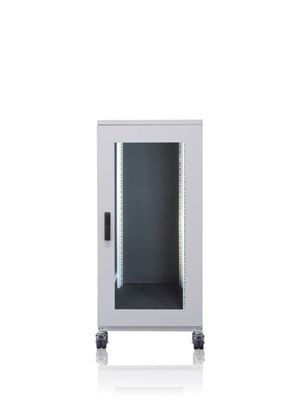 Noise →
 Fire protection and security →
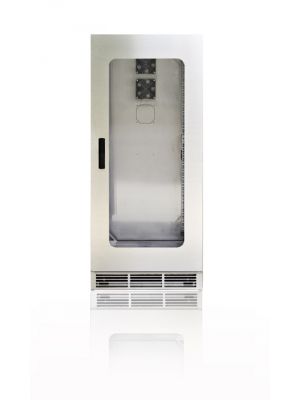 Dust, water and harsh sites →
 Power →
 Choosing and planning a rack →
More solutions from Lehmann IT
From the server cabinet to data center cooling: everything from one source, made in Salach, Germany.
Server cabinet technology in brief
Airflow comes first
Most server hardware draws cool air in at the front and blows warm air out at the back. A good cabinet keeps those two air streams apart. Blanking panels close empty rack units, brush strips seal cable entries, and perforated or closed doors are chosen to match the cooling concept. When warm exhaust air cannot flow back to the front, the equipment runs cooler with less fan power.
Cooling grows with the heat load
A small network cabinet can often be cooled with fans alone. As the heat load rises, the options move from thermostat or PWM controlled fans to cabinets with their own cooling unit, roof-mounted air conditioners, and water cooling at the rack. In larger rooms, hot and cold aisle containment lets one cooling system serve many racks efficiently.
Construction protects the equipment
The frame carries the load, the doors and side panels control access, and seals decide how much dust and water stay out. Acoustic linings reduce noise for offices and practices, IP54 and IP55 designs protect IT in industrial halls, and fire-protected cabinets shield critical systems. Monitoring for temperature, humidity and door access adds an early warning, and a UPS keeps systems running through short power cuts.